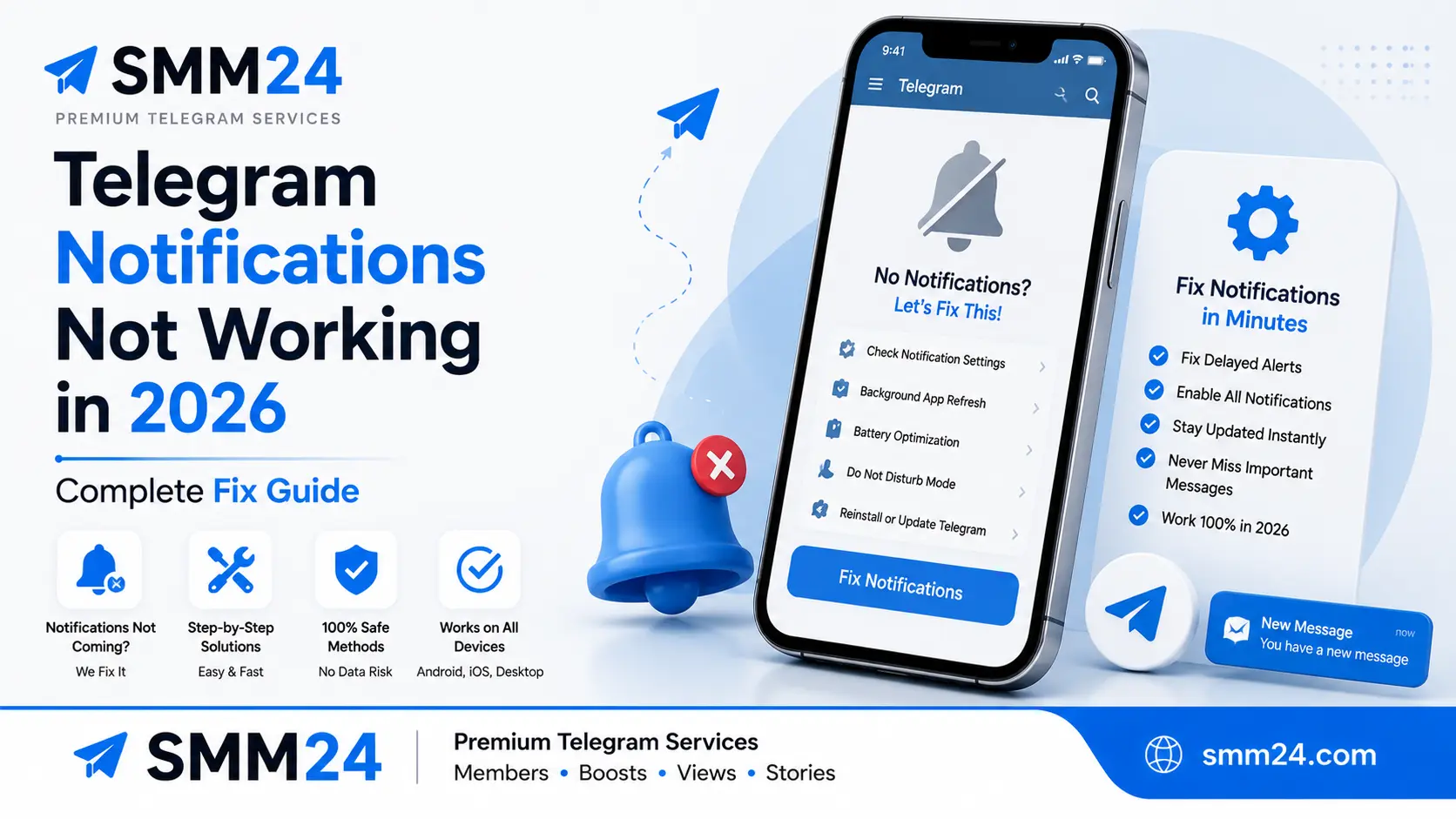
Telegram Notifications Not Working? 7 Fixes for Delayed Alerts (2026)
If you're dealing with Telegram notifications not working in 2026 and you're tired of delayed alerts, missed messages, or your favorite channels going silent, you've come to the right guide. Whether you're on Android, iPhone, or desktop, notification failures often come down to a handful of common triggers — most of which can be checked and adjusted in a few minutes.
In this complete troubleshooting guide, we'll walk through the reasons notifications might fail, step-by-step fixes for each platform, device-specific settings you might have missed, and how to prevent notification issues from coming back.
Why Telegram Notifications Fail in 2026
Telegram notifications depend on multiple layers working together: your device's operating system, the Telegram app itself, your network connection, and Telegram's servers. When any one of these layers has a problem, notifications stop arriving.
Notification problems can also be confused with other Telegram issues like delayed message delivery or sync problems. If messages themselves aren't arriving at all — not just notifications — the cause is different.
If you're also experiencing call issues, check out our Telegram calls fix guide — the same battery optimization and permission issues often cause both problems.
Below, we've broken down the most common causes by platform and severity.
Most Common Causes — All Platforms
- Do Not Disturb / Focus Mode — Many users forget they've scheduled DND hours or enabled Focus mode. Both block notifications at the system level.
- Background restrictions — When Telegram can't run in the background, it can't check for new messages or deliver push notifications. This is one of the most common causes of delayed alerts.
- Battery optimization — Aggressive battery savers on Android and iOS frequently limit Telegram's background activity, which can cause notifications to be delayed or not arrive at all.
- Outdated app version — Older versions may have notification bugs that have been addressed in newer releases.
- Channel or chat mute settings — Sometimes the problem isn't your phone — it's the specific chat or channel you're expecting notifications from.
- Permission drift — After system updates or app reinstalls, notification permissions can get reset without you realizing it.
If you manage a Telegram channel, notification reliability directly affects how your audience engages with your content. For a complete channel audit that covers everything from branding to analytics, see the Telegram channel audit checklist.
Fixes for Android
Android devices have more variability than iPhones because each manufacturer implements battery and notification management differently. Here are the fixes that work across Samsung, Xiaomi, OnePlus, Google Pixel, and other popular Android brands.
Disable Battery Optimization for Telegram
Battery optimization is one of the most common causes of delayed notifications on Android. By default, many Android devices restrict background activity to save battery — which can stop Telegram from checking for messages.
- Samsung One UI: Settings → Apps → Telegram → Battery → Unrestricted
- Xiaomi MIUI: Settings → Apps → Manage apps → Telegram → Battery saver → No restrictions
- Google Pixel / Stock Android: Settings → Apps → Telegram → App battery usage → Unrestricted
- OnePlus OxygenOS: Settings → Battery → Battery optimization → Telegram → Don't optimize
- Huawei EMUI: Settings → Apps → Telegram → Power usage → Manage manually → Allow background activity
- General fallback: Settings → Apps → Telegram → Battery → Unrestricted (or "Don't optimize")
Enable Auto-Start
Some Android devices, particularly Xiaomi and Huawei, require explicit permission for apps to start automatically on boot or resume.
- Xiaomi, Redmi, POCO: Settings → Apps → Manage apps → Telegram → Auto-start → Enable
- Huawei: Settings → Apps → Telegram → Auto-start → Enable
- Samsung: Usually not required, but check: Settings → Device care → Battery → Background usage limits → Telegram → Never sleeping apps → Add
Check Notification Settings
Android has three layers of notification settings that all need to be enabled.
- System-level: Settings → Notifications → App notifications → Telegram → Enable all toggle types
- In-app: Telegram Settings → Notifications & Sounds → Ensure "Notifications" are enabled
- Chat-specific: Open the chat → Tap the name → Notifications → Enable (if disabled)
If you're a channel owner and want to improve subscriber engagement beyond fixing notifications, see our step-by-step growth guide.
Update Telegram
Open Google Play Store, search for Telegram, and tap "Update" if available. Updating Telegram ensures you're using the latest available version, which may include fixes for notification-related issues.
Check Do Not Disturb
Pull down the notification shade and look for the Do Not Disturb icon. If it's enabled, disable it. Also check Settings → Sound → Do Not Disturb to ensure no scheduled DND hours are active during your notification times.
Fixes for iPhone
iOS has fewer device-specific settings than Android, but the ones that exist are highly impactful.
Check Notification Permissions
Settings → Notifications → Telegram → Enable all toggles: "Allow Notifications," "Sounds," "Badges," and "Banners." Under "Banners," make sure "Lock Screen," "Notification Center," and "Banners" are all selected.
Disable Focus Mode
Settings → Focus → If any Focus mode is enabled, turn it off. Check both active Focus modes and scheduled Focus modes under "Focus Filters."
Check Mute Status for Specific Chats
If notifications work for some chats but not others, you may have muted specific conversations. Open the muted chat → Tap the name → Notifications → Ensure it's not disabled.
Check Telegram's In-App Notification Settings
Open Telegram → Settings → Notifications & Sounds → Ensure "Notifications" is enabled and all relevant alert types are toggled on.
Enable Background App Refresh
Settings → General → Background App Refresh → Enable the master toggle and ensure Telegram is toggled ON in the list. This isn't always required for Telegram notifications, but it can help in some cases where background delivery is affected.
Update Telegram
Open the App Store, search for Telegram, and tap "Update" if available. Keeping the app updated ensures you have the latest fixes and improvements.
Fixes for Desktop
Desktop notification problems are usually caused by system-level notification settings or Telegram's own settings.
Check Telegram Desktop Settings
Open Telegram Desktop → Settings → Notifications → Ensure notifications are enabled. Check that "Show notifications" is toggled on and that sound and banners are enabled.
Check System Notification Settings
Windows: Settings → System → Notifications → Ensure notifications are enabled for Telegram. Check that Focus Assist is disabled (or that Telegram is allowed through).
macOS: System Preferences → Notifications & Focus → Scroll to Telegram → Ensure "Allow notifications" is enabled and that "Banners" or "Alerts" are selected.
Reinstall Telegram Desktop
If nothing else works, uninstall Telegram Desktop and reinstall the latest version from telegram.org.
How to Prevent Telegram Notification Issues
Once you've fixed your notifications, use these practices to keep them working reliably.
- Keep Telegram updated — Enable automatic updates in your app store
- Avoid aggressive battery savers — If you need power-saving mode, whitelist Telegram
- Check permissions after system updates — Updates occasionally reset notification permissions
- Use Telegram's official app — Third-party Telegram clients may have notification behavior differences
- Monitor Do Not Disturb schedules — Review your DND settings regularly
- For channel owners: Encourage subscribers to check their notification settings if they're missing posts
For channel owners, a clean and optimized channel also makes subscribers more likely to keep notifications on. A disorganized channel with poor branding or low-quality content can cause subscribers to mute or leave. See how to make your Telegram channel look professional for complete setup tips.
Frequently Asked Questions
Delayed notifications are commonly caused by battery optimization or background restrictions. Your phone may be limiting Telegram's background activity to save battery. Disable battery optimization for Telegram using the instructions in the Android or iPhone section above.
Start by checking battery optimization (Settings → Apps → Telegram → Battery → Unrestricted). Then check auto-start settings, notification permissions, and Do Not Disturb. The Android section covers manufacturer-specific steps for Samsung, Xiaomi, and other brands.
Check Settings → Notifications → Telegram and ensure all toggles are enabled. Then check Focus Mode and Background App Refresh. If that doesn't fix it, update Telegram from the App Store.
Check Telegram Desktop's notification settings first, then check your system notification settings (Windows or macOS). If the problem persists, reinstall Telegram Desktop from the official website.
Channel notifications can be muted by subscribers, and they can also be affected by the same device-level settings that affect all notifications. As a channel owner, your subscriber's notifications depend on their device settings — you can't control them directly. The best approach is to encourage subscribers to keep notifications enabled through clear communication about the value of your content.
Final Thoughts
Telegram notifications not working in 2026 is frustrating — but in many cases, the fix is straightforward and can be completed in a few minutes. The most common causes are battery optimization, a missed permission, or a forgotten Do Not Disturb setting.
Start with the most likely fix for your device, work your way through the list, and test each change by having someone send you a message or by joining a test channel. Once you find the fix, keep these instructions handy — notification issues can recur after system updates or when you switch devices.
If you're a channel owner, reliable notifications are part of the foundation of a well-run channel. Combine this technical foundation with great content and professional channel presentation to maximize your growth. For the full picture, see our channel audit checklist.
Ready to Grow Your Telegram Channel?
Real members, boosts, and premium subscribers from SMM24 — with retention coverage and 24/7 support.
Non-Drop Coverage Fast Delivery 24/7 Support
Related Reading on SMM24
- Telegram Calls Not Working? 6 Fixes for Voice & Video
- Telegram Verification Code Not Received – Complete Fix Guide
- Telegram Account Banned in 2026? How to Recover & Prevent
- Telegram Stories Not Working in 2026? 10 Fixes That Work
- Telegram Channel Audit Checklist – 25 Things to Check
- How to Make Your Telegram Channel Look Professional
- How I Grew a Telegram Channel from 0 to 10,000