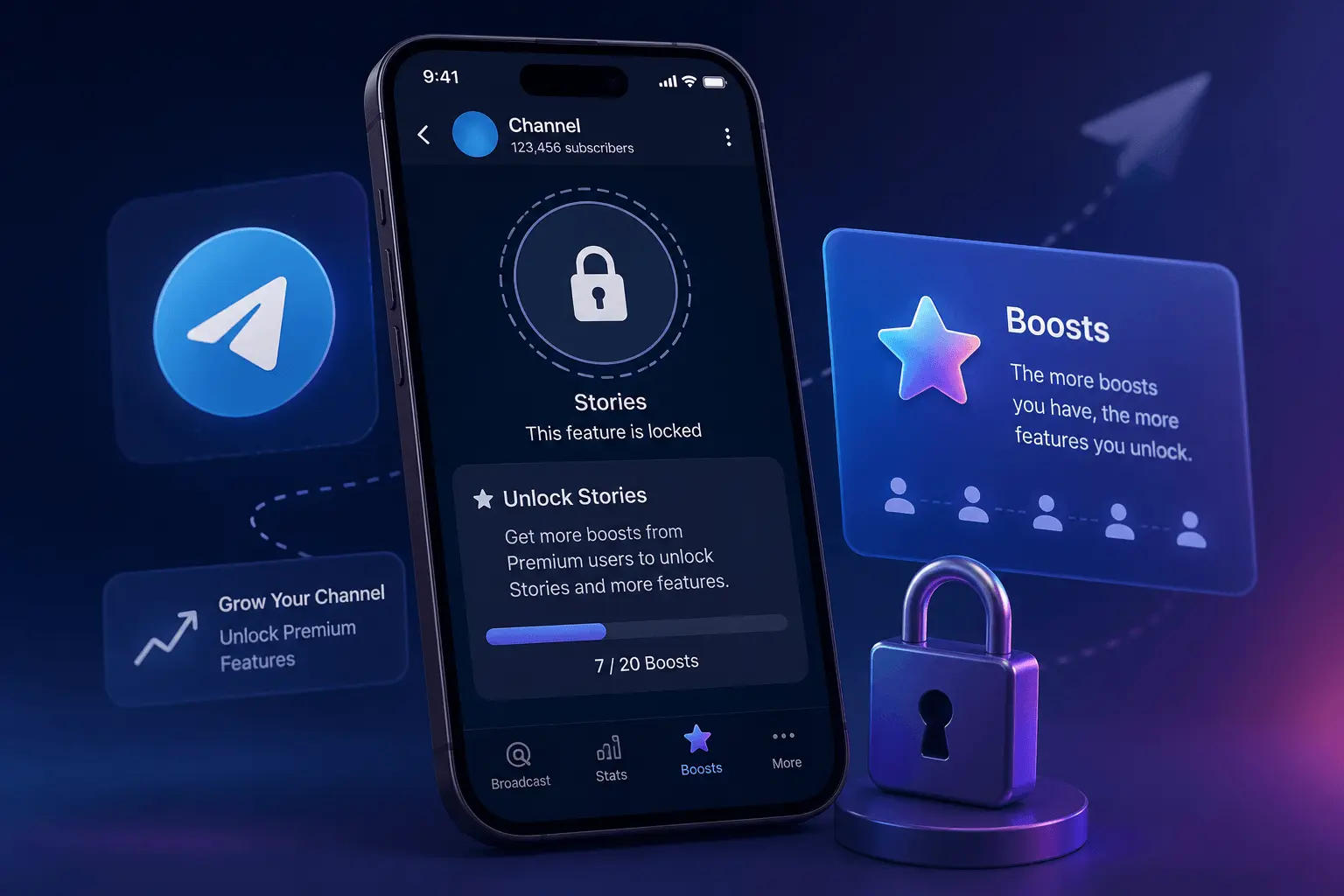
How to Enable Telegram Stories in 2026 – 5 Simple Steps
You know Stories are essential for Telegram growth in 2026. You've seen other channels posting them daily — polls, behind-the-scenes content, quick updates — and you know your channel needs this feature. But when you check your channel settings, the Stories option simply isn't there. This guide walks you through exactly how to enable Stories on your Telegram channel — step by step, no guesswork.
Unlike regular Telegram features, channel Stories aren't automatically available. They're locked behind a boost threshold — and until you reach it, the option won't appear. Here's exactly what you need to do, in the right order.
Step 1: Check Your Current Boost Status
Before you do anything else, you need to know exactly where your channel stands. Here's how:
Go to your Telegram channel → tap the channel name at the top → Channel Settings (or the pencil/edit icon).
Scroll down until you see the Boost or Channel Level section. This shows your current boost count and how many more you need for the next level.
You'll see something like: "3 boosts needed to reach Level 1" or "0/10 boosts to unlock Stories." This number tells you exactly how far you are from Story access.
If you already have enough boosts: Skip to Step 3 — Stories should already be available. If not, continue to Step 2.
Step 2: Collect Enough Boosts to Unlock Stories
Boosts come exclusively from Telegram Premium users. Each Premium subscriber can assign their one boost to a channel of their choice. Your job is to get enough of them pointed at your channel. Here are your options — from free to fast:
| Method | Speed | Cost | Best For |
|---|---|---|---|
| Ask your existing subscribers | Slow (weeks to months) | Free | Channels with Premium subscribers in the audience |
| Pinned message requesting boosts | Slow (weeks) | Free | Engaged communities willing to support |
| Cross-promote on other platforms | Slow (weeks to months) | Free | Channels with Twitter/Discord presence |
| Professional Boost Services | Fast (hours to days) | Paid (from $22) | New channels, immediate Story access |
For most new channels, the fastest path is professional Boost services combined with asking subscribers. Get enough Boosts to unlock Stories immediately, then continue collecting organic Boosts from your growing audience. For a complete guide to buying Boosts safely, see how to buy Telegram Boosts safely in 2026. If you're looking for free methods, check out our guide to getting more Boosts for free.
Need Boosts Fast?
Professional Boost services — unlock Stories in hours, not months.
Get Telegram BoostsStep 3: Verify Stories Are Unlocked
Once you've collected enough Boosts, Stories should appear automatically. Here's how to confirm:
Open your channel → look at the top of the screen. You should see a circular Story icon or a "+" button indicating you can now create Stories.
Go to Channel Settings → Boost section. It should now say "Stories Unlocked" or show that you've reached the required level.
Stories still not showing? Try: updating your Telegram app, restarting the app, or waiting a few hours. If the problem persists, see why Telegram Stories are not working.
Step 4: Publish Your First Story
Stories are unlocked — now let's get your first one live:
On mobile: Tap the "+" Story icon at the top of your channel. On desktop: Click the Story section in the channel header.
You can upload a photo, record a short video, write text, or create a poll. For your first Story, keep it simple — a quick introduction or a poll works perfectly.
Before publishing, you can add stickers, text overlays, links (if your channel level supports them), or poll questions to encourage engagement.
Tap "Post Story" — your Story is now live and visible to all subscribers at the top of their Telegram app for the next 24 hours.
For content ideas once Stories are active, see 50+ Telegram channel content ideas for 2026 — includes an entire section on Story-specific formats.
Step 5: Build a Consistent Story Strategy
Unlocking Stories is just the beginning. The channels that see real results from Stories are the ones that publish consistently:
- 1-3 Stories per day is the sweet spot — enough to stay visible without overwhelming subscribers
- Mix content types: Polls, tips, behind-the-scenes, teasers for upcoming posts
- Use Stories to drive post engagement: Tease your latest post, share a key insight, then link to the full content
- Track what works: Which Stories get the most views? Which polls get the most votes? Double down on what your audience responds to
For a complete scheduling framework that integrates Stories with your regular posting, see our Telegram posting schedule guide.
Free vs Paid Boosts — How to Get Boosts Faster
If you're still short on Boosts, here's the honest comparison:
| Approach | Timeline | Cost | Best If |
|---|---|---|---|
| Ask subscribers + pinned message | 1-3 months | Free | You already have Premium subscribers in your audience |
| Cross-promotion + social media | 2-6 months | Free | You have an audience on Twitter, Discord, or other platforms |
| Professional Boost Services | Hours to days | $22 - $170 | You want Stories now and don't want to wait months |
For a complete walkthrough of the professional route, see SMM24's Boost services.
Frequently Asked Questions
The exact number depends on your channel size and current level. Most channels need between 1-10 Boosts to unlock basic Story functionality. Check your Channel Settings → Boost section to see your specific requirement.
No. Telegram requires channels to reach a minimum boost level before Stories become available. There's no way around this — it's built into Telegram's channel level system.
Usually immediately — once you reach the required boost threshold, the Story option appears right away. In some cases, it may take a few hours for the unlock to propagate across Telegram's servers.
Professional Boost services deliver the fastest results — typically within hours to days. Many channel owners combine this with asking their existing Premium subscribers to boost the channel naturally.
Yes — if your boost count falls below the required threshold, Stories will be disabled until you collect enough Boosts again. That's why choosing a service with a non-drop guarantee is important.
Final Thoughts
Enabling Telegram Stories isn't complicated — it's just a matter of collecting enough Boosts. The process is straightforward: check your current status, gather Boosts through free or paid methods, verify the unlock, and start publishing. The channels that benefit most from Stories are the ones that treat them as a core part of their publishing strategy — not an occasional afterthought.
If you're still short on Boosts, consider professional Boost services to get you there today. If you already have Stories unlocked, focus on consistency — 1-3 Stories per day, mixed formats, and content that gives subscribers a reason to keep coming back.
Unlock Stories with Telegram Boosts
Real Premium accounts — gradual delivery — non-drop guarantee.
Real Premium Non-Drop 24/7 Support